
How to Download CloudStream APK on Android
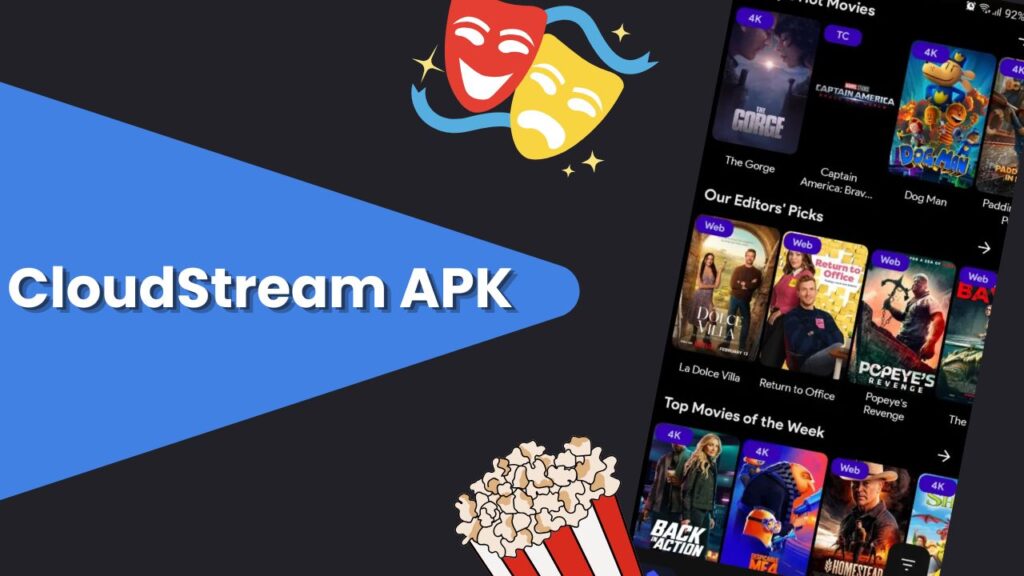
Downloading CloudStream APK on Android is very simple, but because it is not available on Google Play Store, you need to install it manually. Don’t worry—just follow these steps carefully.
- Open Chrome browser or any browser on your Android phone.
- Go to the official cloudstreamapk.in download page.
- Scroll down and choose the version you want (Pre-Release, Stable or Old Versions).
- Tap on the Download APK button.
- The APK file will start downloading.
Once done, open the downloaded APK file and tap Install. CloudStream will be installed in a few seconds.
Requirements to Install CloudStream on Android
Before downloading CloudStream APK, make sure your Android device meets these minimum requirements:
| Requirement | Details |
|---|---|
| Android Version | Android 5.0 (Lollipop) or higher |
| RAM | Minimum 2GB (3GB recommended) |
| Storage | At least 200MB free space |
| Internet | Stable internet connection |
| Permissions | Storage & Internet access |
CloudStream is a lightweight app, so it works smoothly even on low-end Android phones.
Requirements to Install CloudStream for PC / Windows
CloudStream APK is made for Android, but you can easily run it on Windows PC using an Android Emulator.
| Requirement | Details |
|---|---|
| OS | Windows 7, 8, 10, or 11 |
| Emulator | BlueStacks / Nox Player / LDPlayer |
| RAM | Minimum 4GB |
| Storage | 5GB free space |
| Internet | Stable broadband connection |
Requirements to Install CloudStream for Android TV / Fire TV
CloudStream works very well on Android TV, Fire TV Stick, and Smart TVs.
| Requirement | Details |
|---|---|
| OS | Android TV OS / Fire OS |
| Device | FireStick, Mi TV, Android TV Box |
| RAM | Minimum 2GB |
| Storage | 300MB free |
| App | Downloader app (for APK install) |
CloudStream APK Versions Explained
CloudStream has two release channels, Stable and Pre-release. Stable builds (blue icon) are released less frequently and are intended to be well-tested, whereas Pre-release builds (red icon) get the latest features and bug fixes sooner.
The Pre-release often includes cutting-edge changes (at a slight risk of new bugs), while Stable prioritizes overall reliability.
Pre-Release vs Stable
| Feature | Pre-Release Version | Stable Version |
|---|---|---|
| Updates | Very frequent | Less frequent |
| New Features | Early access | Fully tested |
| Bugs | May contain bugs | Very stable |
| Performance | Experimental | Smooth & reliable |
| Recommended For | Advanced users | Normal users |
Who Should Use Which Version?
Stable
Choose Stable if you want a more conservative update cycle with thoroughly tested code. It’s recommended for most users who want minimal risk of glitches.
Pre-release
Use the Pre-release build if you want the latest fixes and features immediately (at the expense of occasional minor issues).
It’s suitable for power users or those willing to help test new updates.
CloudStream APK Old Versions Download
If the latest build causes issues, older CloudStream versions are archived on third-party sites.
You can download these older APKs for compatibility reasons. For instance, versions v4.5.4, v4.5.2, v4.2.0, v4.1.1, v4.1.9, v4.0.1, etc. are all available to download.
CloudStream v4.5.4
Released: July 23, 2025.
CloudStream 4.5.4 added many new features and improvements. Notable additions include support for more external video players, a volume booster, double-speed playback, an updated user interface, improved download options, and expanded streaming source support.
The update also optimized compatibility by updating extractors and removing outdated files, and fixed various bugs (subtitle alignment, “No Links Found” errors, etc.).
CloudStream v4.5.2
Released: April 4, 2025.
Version 4.5.2 focused on an ad-free, privacy-friendly experience. It removed all ads and tracking, added bookmarking, and ensured compatibility with smartphones and smart TVs (including Chromecast support).
This release also incorporated contributions from extensions for features like subtitle grouping, episode sorting, and more, effectively squashing the previous version’s bugs.
CloudStream v4.2.0
Released: 15 September 2023.
In v4.2.0, the app became fully ad-free, and minor bugs were fixed (e.g. in-app updater issues and small UI glitches).
This update also emphasized core streaming features like high-quality playback and Chromecast support (as noted in feature list).
CloudStream v4.1.9
Released: September 15, 2023.
This update made the app completely ad-free and improved performance. It significantly boosted download speeds (up to 2–3× faster), refreshed the TV user interface, and fixed audio/mute issues.
CloudStream v4.0.1
Released: June 2023.
As one of the initial v4.x releases, v4.0.1 established core streaming functionality (high-quality playback, basic extension support).
| Version | Release Date | Release Type | Key Changes / Highlights |
|---|---|---|---|
| v4.6.0 | Oct 15, 2025 | Stable | Added volume booster, shareable content links, custom profile pictures, TV channel previews, provider-pinning, new themes; many UI/UX improvements and fixes. |
| v4.5.4 | Jul 23, 2025 | Stable | Introduced more external players, a volume booster, 2× playback speed, improved download settings, updated UI; fixed subtitle alignment and link issues. |
| v4.5.2 | Apr 4, 2025 | Stable | Made app completely ad-free (no tracking), added bookmarks, Chromecast support, and extended device compatibility; resolved various bugs. |
| v4.5.1 | Feb 5, 2025 | Stable | Added subtitle offset preview, multi-select downloads, more external players, torrent streaming, dark theme, and subtitle width customization. |
| v4.2.0 | Sept 22, 2023 | Stable | Became fully ad-free; fixed in-app updater and minor TV UI bugs. |
| v4.1.9 | Sept 15, 2023 | Stable | Removed all ads; greatly improved download speed; updated TV UI and fixed audio/mute bugs. |
Can I download CloudStream from Google Play Store?
No. CloudStream is not on the Play Store. It is distributed as an APK from its website and repositories.
What do I do after installing CloudStream?
After installing, you must add repositories and install extensions to watch content. In CloudStream’s Settings, go to Extensions > Add Repository, then enter the URL or shortcode of a repo and install its extensions.
How do I add a CloudStream repository?
In CloudStream, tap Settings > Extensions > Add Repository, then enter the repository’s name, URL or shortcode and confirm. Once added, select Open Repository to browse and install its extension plugins.
Can I download movies with CloudStream?
Yes. When viewing a movie or show, tap the Download button (usually beneath the Play button) to save content for offline viewing.
Can I install CloudStream on Android TV?
Yes. CloudStream works on Android TV/Smart TVs. Use the Downloader method (as above) or sideload via USB. See the Android TV section above.
Does CloudStream use torrents or P2P?
No. CloudStream does not use torrent technology. It scrapes streaming links from various sites and plays them directly.